THE COLLECTION
All-in-One PCs: Prices & Buying Guide
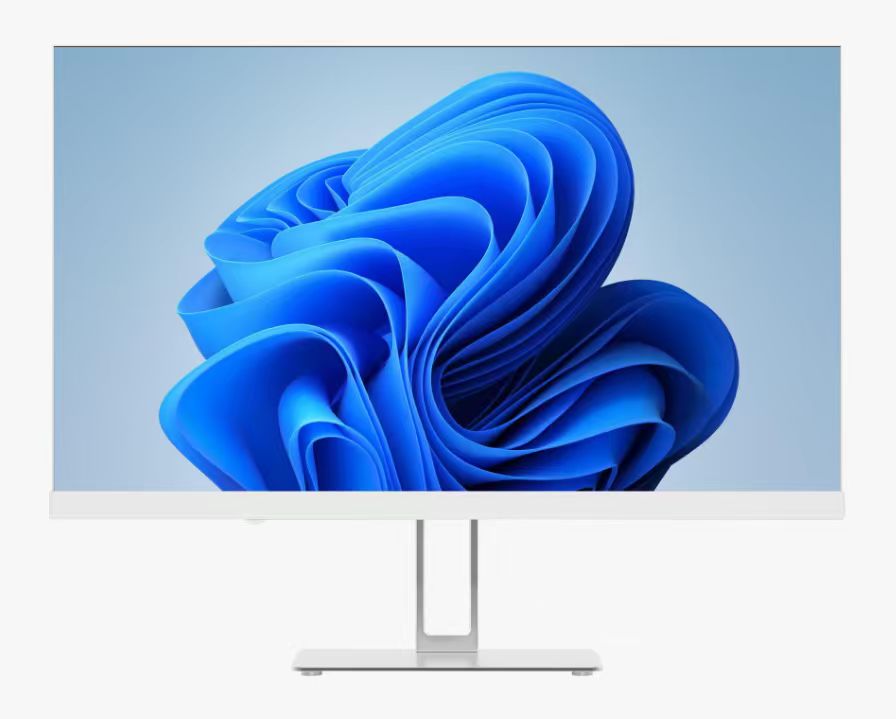
Screen and computer in one device for documents, study and everyday use. Compare screen sizes, processors, RAM, SSDs and available curved or touchscreen models.
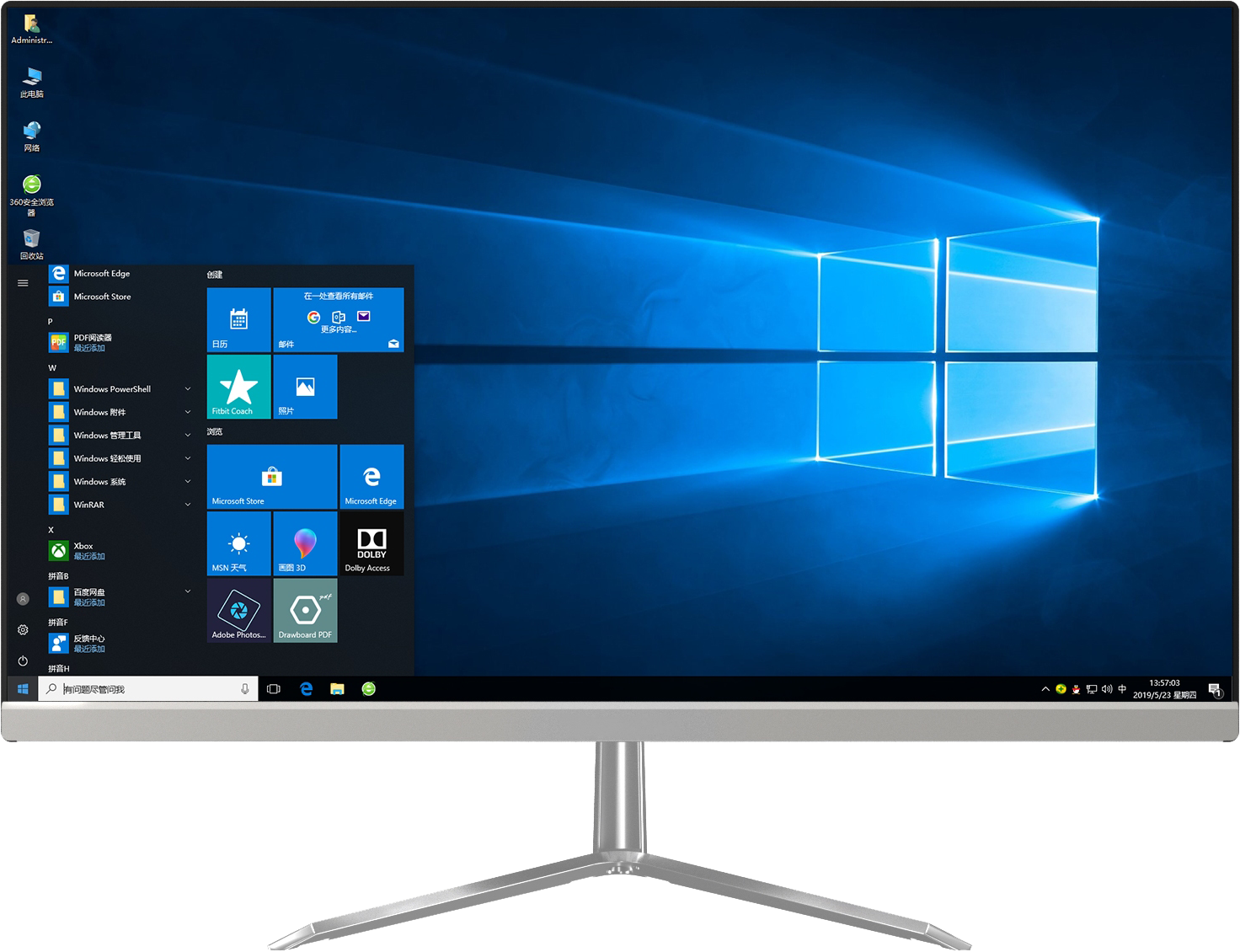
All-in-One PC 19″
AIO-19
From Rp 2.690.000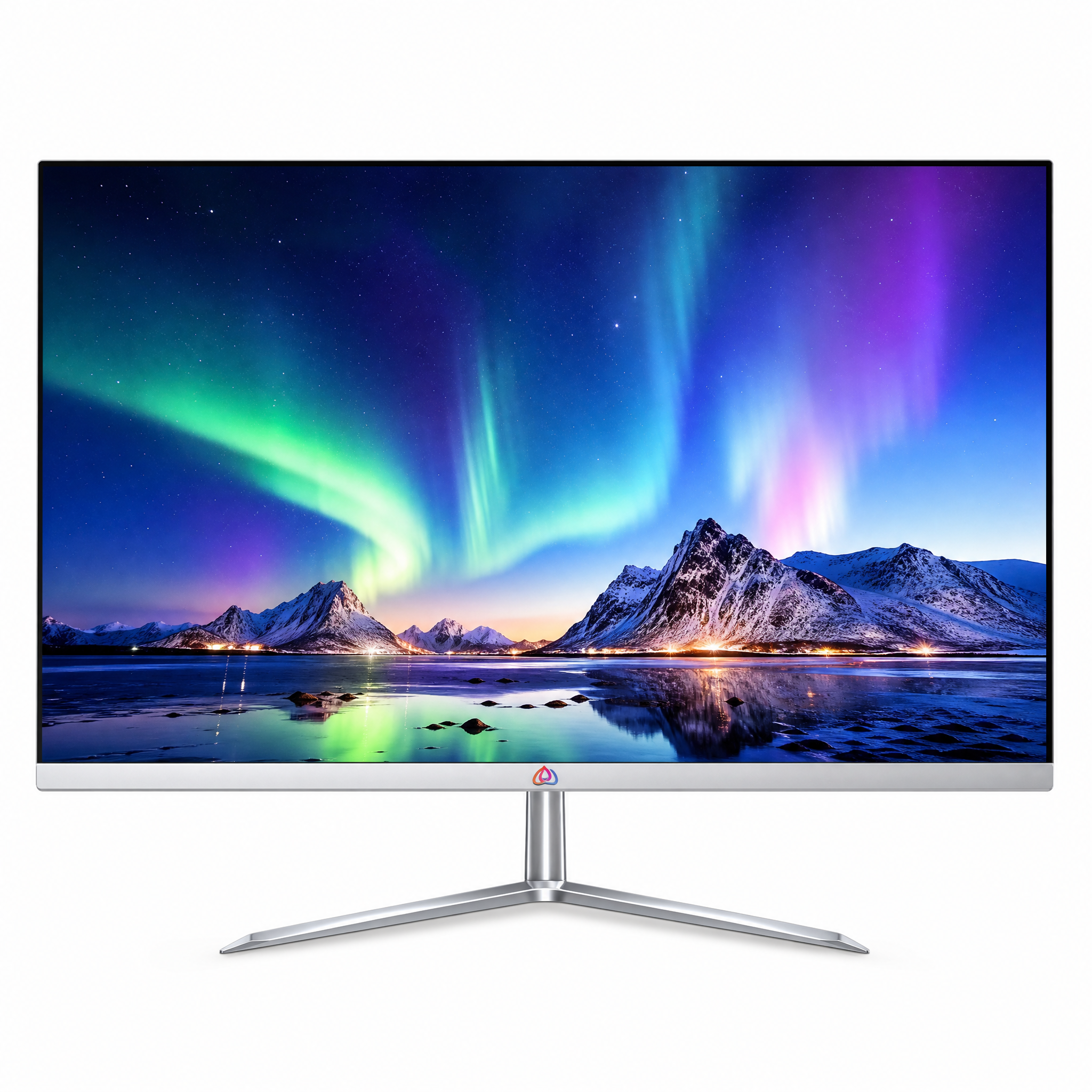
All-in-One PC 22″
AIO-22
From Rp 3.190.000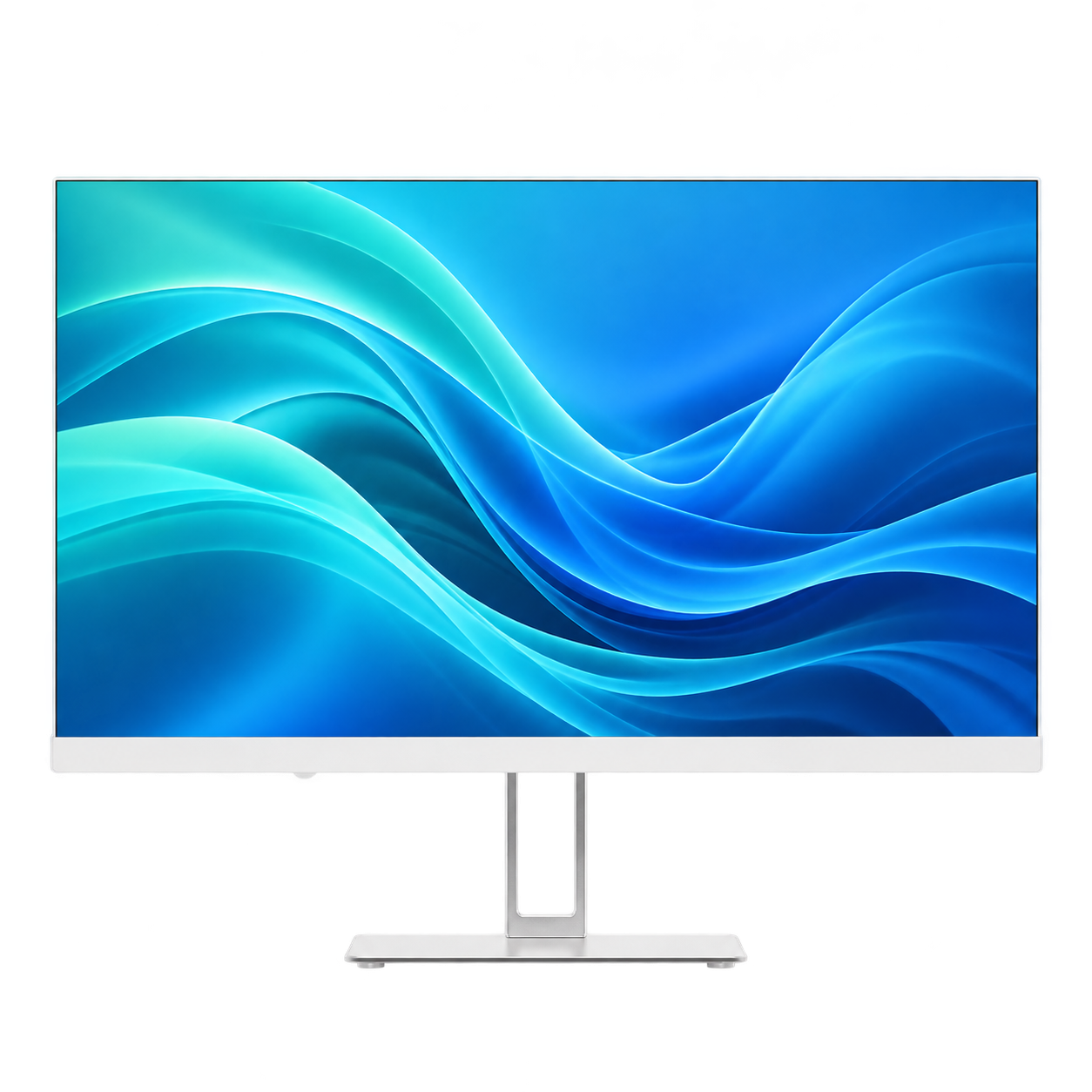
All-in-One PC 24″
AIO-24
From Rp 3.690.000All-in-One PC 27″
AIO-27
From Rp 4.290.000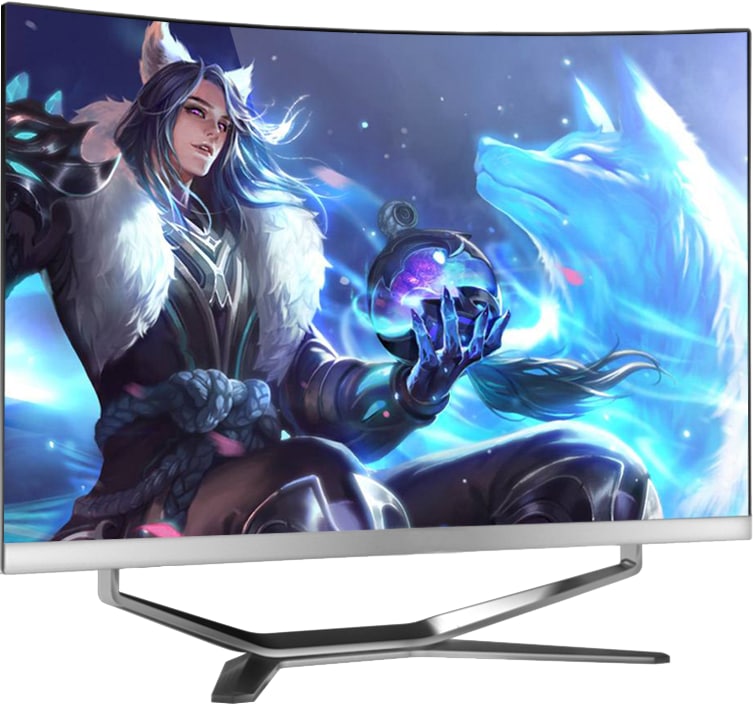
Curved All-in-One 24″ / 27″ / 32″
AIO-CURVED-24-27-32
From Rp 4.290.000
Touchscreen All-in-One 22″
AIO-TOUCH-22
From Rp 5.390.000Prices reflect your selected configuration. Contact our team for purchasing and delivery details.
Keep it simple.
A screen and computer in one device. Make room for what matters.
Your choice of size.
From 19 to 32 inches, find a comfortable fit for your workspace.
Know your configuration.
Explore the processor, RAM and SSD options before choosing your device.
TSN / 24″ & 27″
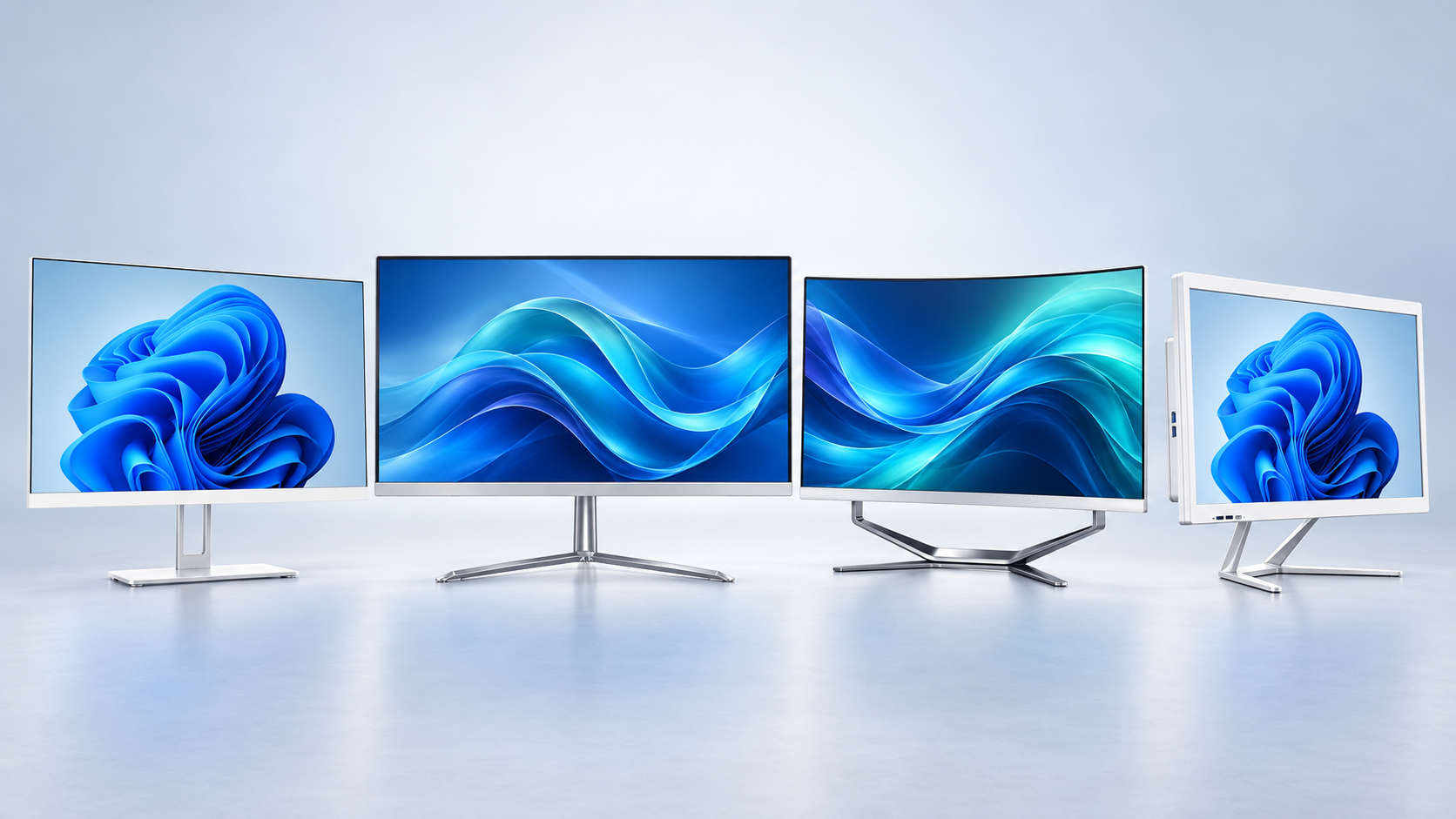 Product collection composition. Relative sizes are illustrative.
THE THREE SHEEP NETWORK FAMILY
Different by design. Yours by choice.
All-in-One, desktop and Mini PCs. Different designs for the way you spend your day.
YEARS OF EXPERIENCE IN THE COMPUTER INDUSTRY
OUR STORY
Years of experience. A clearer choice.
Nearly 20 years in the computer industry has taught us that every user has different needs. At Three Sheep Network, we turn that experience into clear choices, from screen size to processor, memory and storage.
LIFE, CONNECTED
For every side of your everyday.
Room to work.
Documents, communication and daily tasks. Match your configuration to the applications you use.
Find your fit →02 / LEARNLEARN.Room to grow.
Learn, research and develop ideas. Choose a screen for your viewing distance and study space.
Find your fit →03 / EVERYDAYLIVE.Room to unwind.
Browse, watch and spend time together. One device for everyday use at home.
Find your fit →HERE TO HELP
Good choices start with clarity.
Which screen size suits me?
Start with your desk, viewing distance and daily routine.
↗02 / GUIDEWhat is the difference between RAM and SSD?
Understand their roles before choosing a configuration.
↗03 / GUIDEAIO, desktop or Mini PC?
Compare design, space and configurations.
↗Do all configurations cost the same?
No. Prices depend on the processor, RAM and SSD combination. Select a configuration on the product page and check its price and availability before buying.
How do I create an account?
Open Account and choose email registration. Enter the code sent to your email and set a password of at least 8 characters containing letters and numbers. After registration, you will return to the homepage.
Where can I manage shipping addresses?
After signing in, open My account and select Shipping addresses. Manage addresses →
Your next computer. Starts right here.
Browse all products ↗TSN ALL-IN-ONE
Choose a configuration and place your order. Pay by bank transfer or cash at store pickup; shipping is paid to the courier on delivery. Check ports, system and package contents before purchase.
Product introduction
Before you choose.
Match your device to your space, applications and configuration needs.
Read the buying guide ↗