Choosing a Computer Screen: 19, 22, 24 or 27 Inches
Start with desk space, viewing distance and how you use your computer. Screen size is only one part of a comfortable setup.
Measure your desk
Measure desk width and depth and leave room for a keyboard, mouse and cables. Check the product and stand dimensions before choosing a screen diagonal.
Match your tasks
Consider 19 or 22 inches where space is limited. Compare 24 or 27 inches for multiple windows. Check resolution and scaling: a larger screen does not automatically show more detail.
Check the device and ports
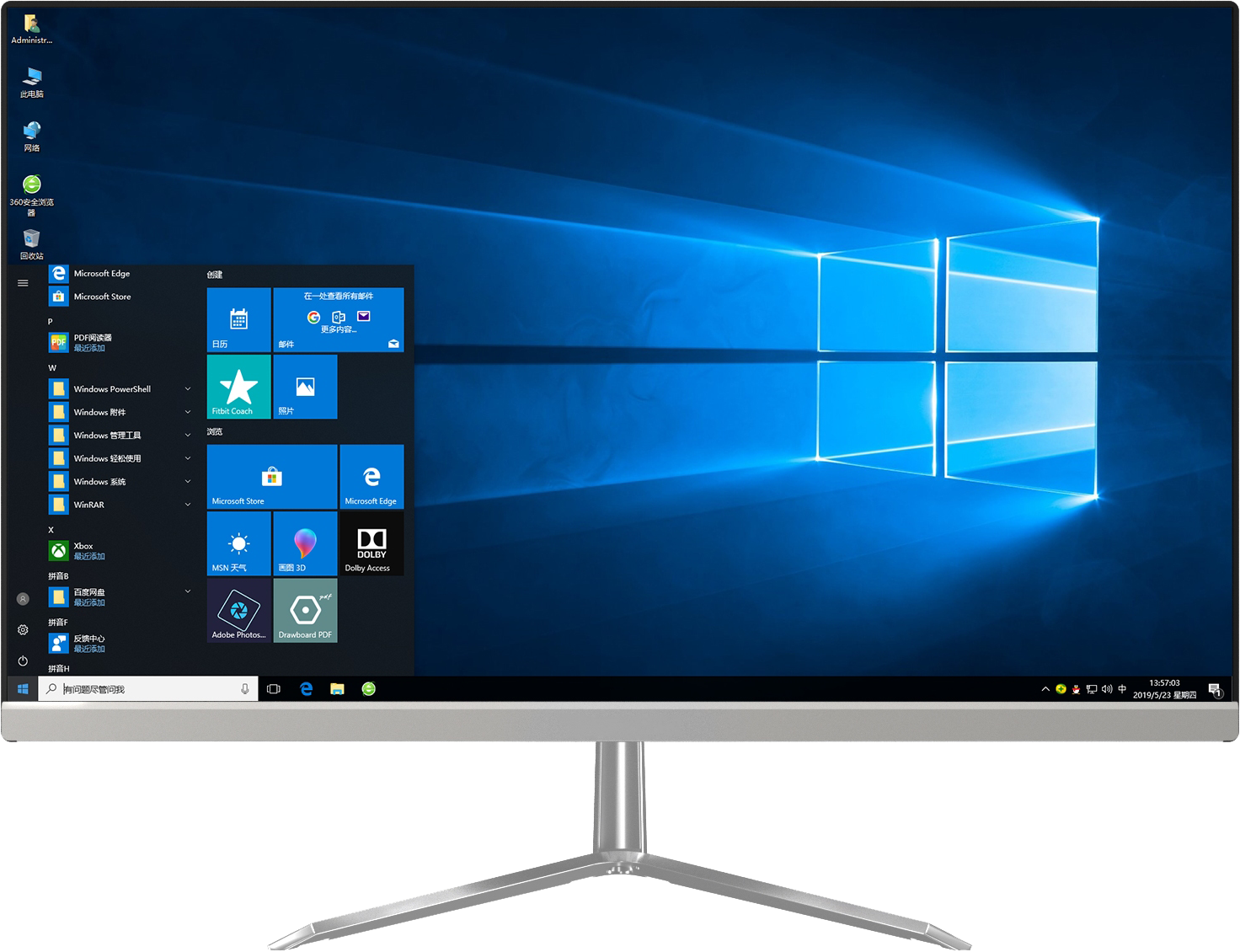
An AIO combines screen and computer; a monitor needs a separate computer. Match a Mini PC or desktop’s video ports and cables to the monitor. Confirm resolution, ports and bundle contents for your selected model.